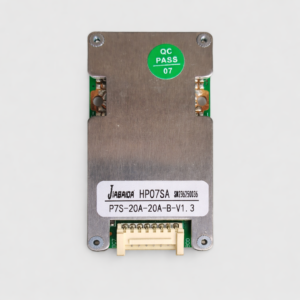
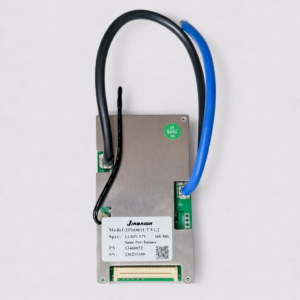
The Digital Battery Indicator with LED Voltage Display provides a simple way to continuously monitor battery voltage without using a separate handheld multimeter.
Once connected to a compatible DC battery system, the panel meter displays the battery voltage on its 3-digit LED screen.
Its compact panel-mount design makes it useful for permanent installation in:
- Battery boxes
- Lithium battery packs
- Electrical panels
- Solar battery systems
- Inverter systems
- EV battery projects
- DIY electronics
The module uses only two wires, making installation relatively simple.
Digital Battery Voltage Indication
Battery voltage is one of the quickest ways to check the operating condition of a DC battery system.
The digital indicator allows the user to visually monitor:
- Battery terminal voltage
- Voltage during charging
- Voltage during discharge
- Voltage drop under load
- Charger output when connected appropriately
- General battery-system condition
Important
This product primarily displays battery voltage.
It should not be treated as a precision State of Charge (SOC) percentage meter unless the specific supplied model has that function.
Battery voltage and actual remaining battery capacity are not always the same, particularly with lithium batteries.
3-Digit LED Display
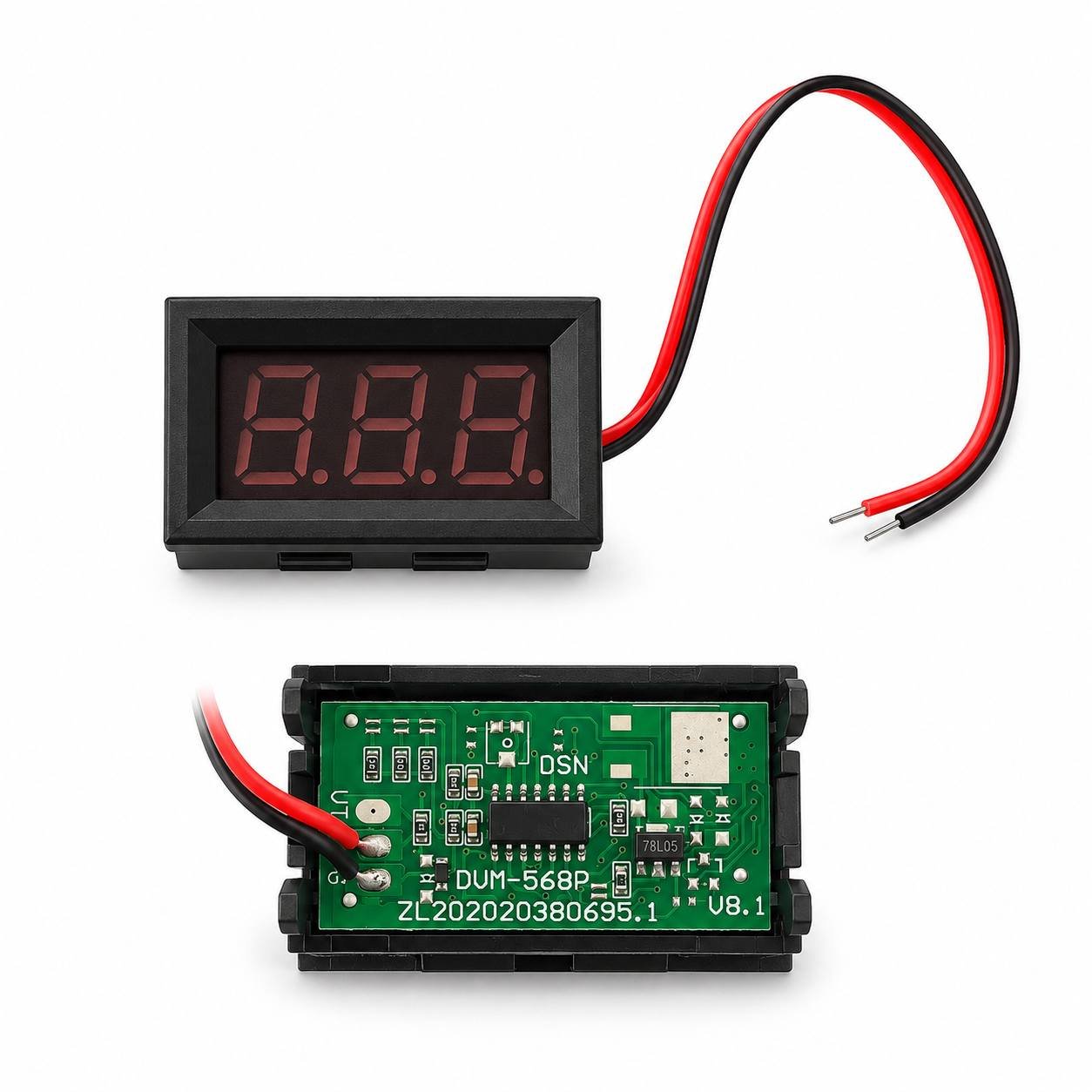
The battery indicator uses a 3-digit seven-segment LED display for clear voltage indication.
Benefits
- Easy-to-read numerical display
- Quick battery voltage checking
- Suitable for permanent panel installation
- No analogue needle
- Compact front panel
- Useful for troubleshooting battery systems
The decimal-point position and display resolution depend on the operating range of the supplied module.
2-Wire Connection
The module uses a simple two-wire connection.
Wiring
- Red Wire → Battery Positive (+)
- Black Wire → Battery Negative (−)
The connected battery supplies power to the display while the module measures the battery voltage.
Correct polarity must be maintained.
Do not reverse the positive and negative wires.
Battery Monitoring Applications
This digital battery indicator can be used to provide a quick visual indication of battery voltage in compatible DC applications.
Possible uses include:
- Lithium-ion battery packs
- LiFePO4 battery packs
- Lead-acid batteries
- Electric scooter battery projects
- Electric vehicle battery systems
- Solar battery banks
- Home inverter batteries
- UPS battery projects
- Portable battery boxes
- DC power supplies
- Battery chargers
- DIY electronics
The operating voltage range of the indicator must match the battery system.
Compact Panel-Mount Design
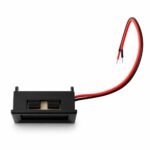
The indicator is housed in a compact rectangular black enclosure designed for panel installation.
Benefits
- Clean finished appearance
- Easy front-panel viewing
- Small installation footprint
- Protects the internal PCB
- Suitable for battery enclosures
- Suitable for control panels
- Easy integration into DIY projects
The housing includes retaining features that can help secure the meter inside a correctly sized panel opening.
Built-in Electronic Measuring Circuit
The rear view of the product shows the integrated PCB used for voltage measurement and LED display control.
Because the measuring electronics are built into the module, an additional external display controller is generally not required for basic voltage indication.
The PCB should be protected from:
- Moisture
- Conductive metal particles
- Short circuits
- Mechanical damage
- Excessive input voltage
Suitable Applications
This Digital Battery Indicator may be suitable for compatible:
- Lithium battery packs
- LiFePO4 batteries
- Electric scooter batteries
- EV battery systems
- Solar battery systems
- Inverter batteries
- UPS batteries
- Battery testing setups
- Portable power systems
- DC power supplies
- Battery chargers
- Custom battery boxes
- DIY electronics projects
Always confirm the voltage range before installation.
Technical Specifications
| Specification |
Details |
| Product Type |
Digital Battery Indicator |
| Display Type |
LED Digital Display |
| Display |
3 Digit |
| Measurement |
Battery / DC Voltage |
| Connection Type |
2 Wire |
| Positive Wire |
Red |
| Negative Wire |
Black |
| Housing |
Black Plastic |
| Mounting Type |
Panel Mount |
| Internal Circuit |
Integrated PCB |
| Voltage Range |
Confirm supplied variant |
| Application |
Battery Voltage Monitoring |
| Installation |
Panel / Enclosure Mount |
Compatibility Check Before Ordering
Before purchasing, verify:
- Battery voltage
- Maximum battery charging voltage
- Indicator operating-voltage range
- Required display resolution
- Panel cut-out dimensions
- Display colour
- Wire polarity
- Battery chemistry
- Installation location
- Whether voltage display or true SOC indication is required
Similar-looking battery indicators can be manufactured for different voltage ranges, so the voltage specification should be confirmed before connection.
Installation
For basic installation:
- Confirm that the battery voltage is within the indicator’s rated range.
- Disconnect the battery or power source before wiring.
- Connect the red wire to battery positive (+).
- Connect the black wire to battery negative (−).
- Insulate all wire joints properly.
- Install the meter into the panel opening.
- Reconnect the battery.
- Compare the displayed voltage with a multimeter during initial testing.
Safety Instructions
- Use only on a compatible DC battery system.
- Confirm the voltage range before installation.
- Observe correct polarity.
- Do not connect directly to AC mains.
- Do not exceed the maximum rated input voltage.
- Insulate exposed wire connections.
- Keep the PCB away from water and moisture.
- Prevent conductive objects from touching the circuit board.
- Disconnect battery power before modifying the wiring.
- Verify the voltage indication with a multimeter after installation.
- Stop using the module if it becomes unusually hot or damaged.
Warranty
Warranty is subject to the applicable supplier or seller warranty terms.
Damage caused by excessive voltage, reverse polarity, incorrect connection, short circuit, water ingress, physical damage or unauthorized modification may not be covered.
Package Includes
1 × Digital Battery Indicator with 3-Digit LED Voltage Display
Red and black connection wires attached to the module.