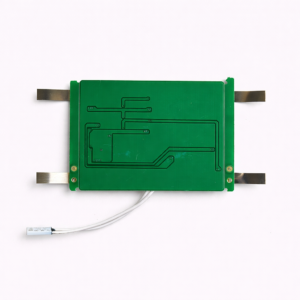
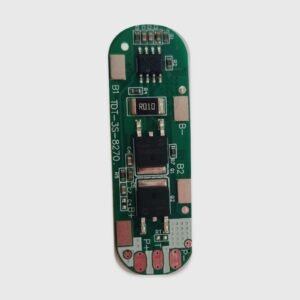
1. Product Overview
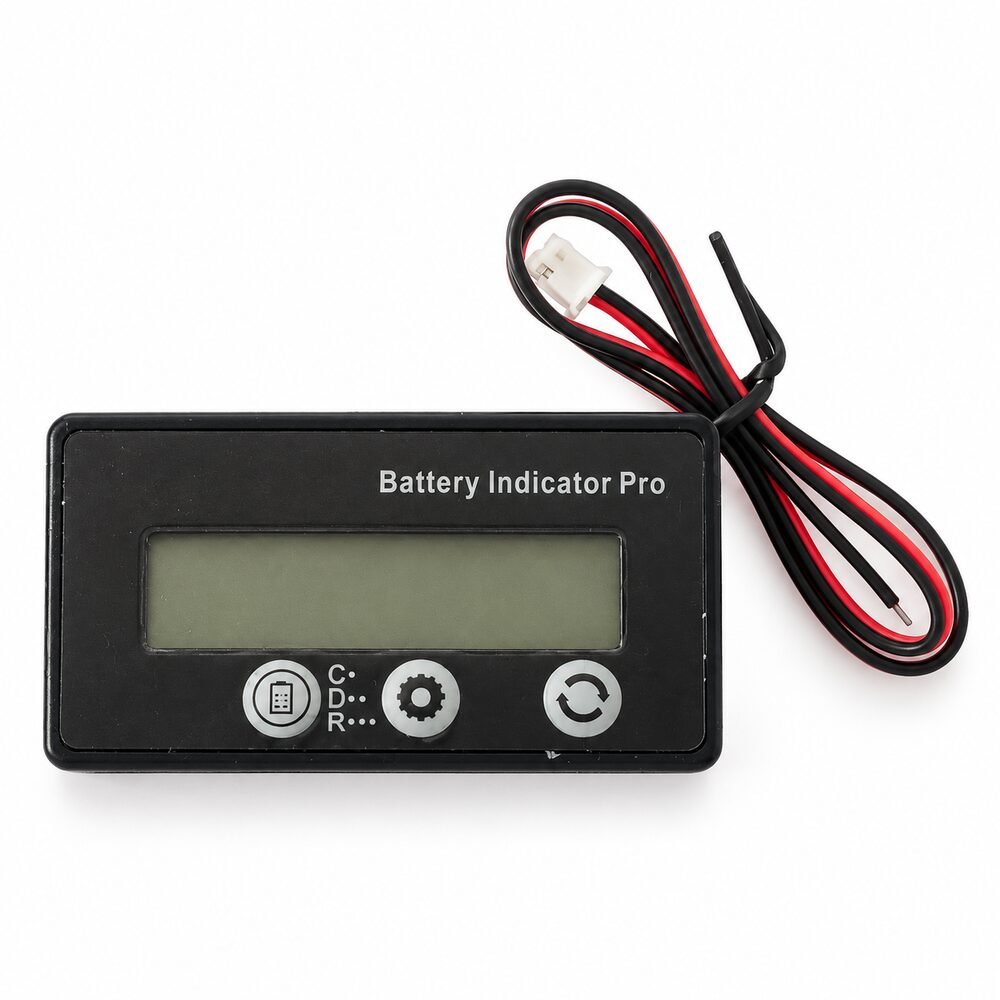
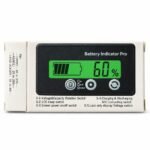
The Battery Indicator Pro is a compact digital battery monitor designed to display battery voltage and estimated remaining capacity on an easy-to-read LCD screen.
It supports a broad operating-voltage range from 7V to 120V and can be configured for compatible LiFePO₄, NMC lithium-ion and lead-acid battery systems.
The front panel includes three control buttons for switching display modes, entering the settings menu, selecting the battery type and adjusting the configured number of series-connected cells.
This product is a battery indicator only. It does not replace a BMS, charger, fuse or dedicated current-monitoring system.
2. Technical Specifications
| Specification |
Details |
| Product name |
Battery Indicator Pro |
| Product type |
Digital battery capacity and voltage indicator |
| Supported voltage range |
7V–120V |
| Compatible battery chemistry |
LiFePO₄, NMC lithium-ion and lead-acid |
| LiFePO₄ configuration range |
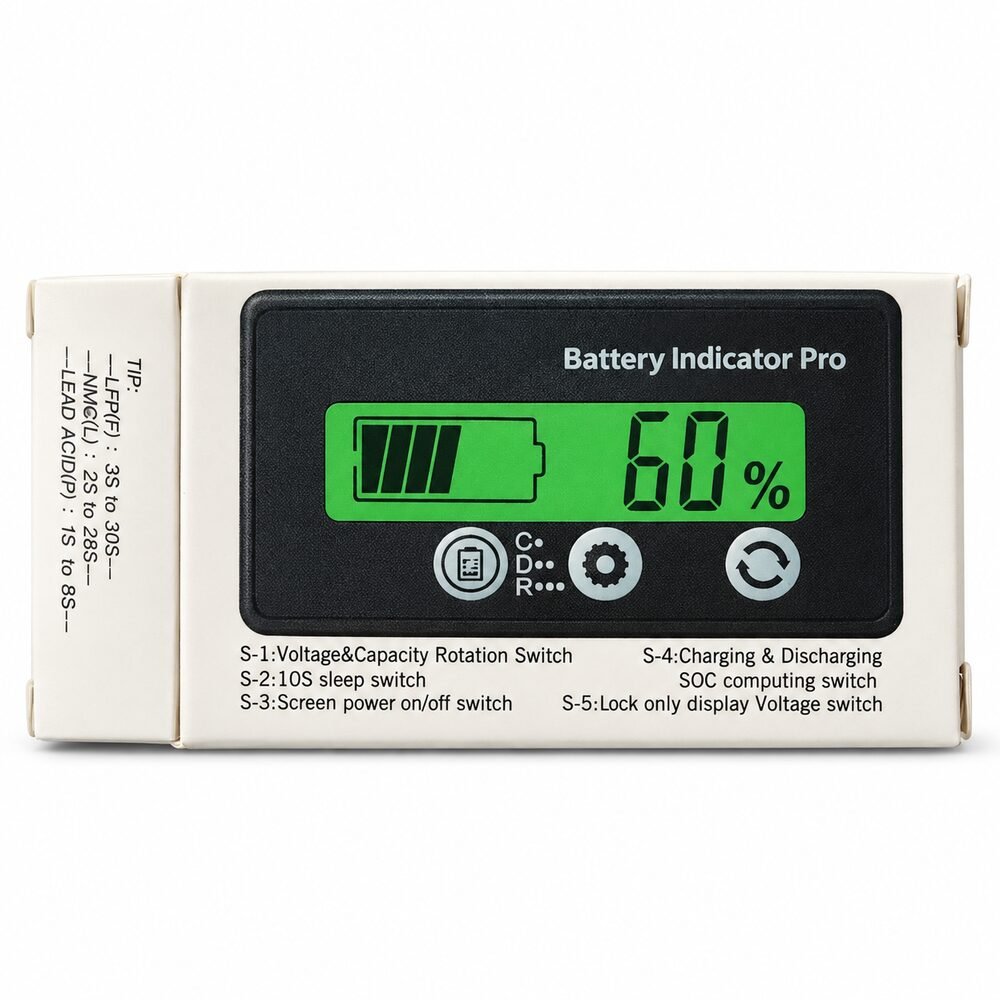
3S–30S, as marked on the packaging |
| NMC lithium-ion configuration range |
2S–28S, as marked on the packaging |
| Lead-acid configuration range |
1S–8S, as marked on the packaging |
| Display type |
LCD |
| Displayed information |
Battery voltage and estimated capacity percentage |
| Status indication |
Charging and discharging indication |
| Control interface |
Three front-panel buttons |
| Housing material |
ABS |
| Width |
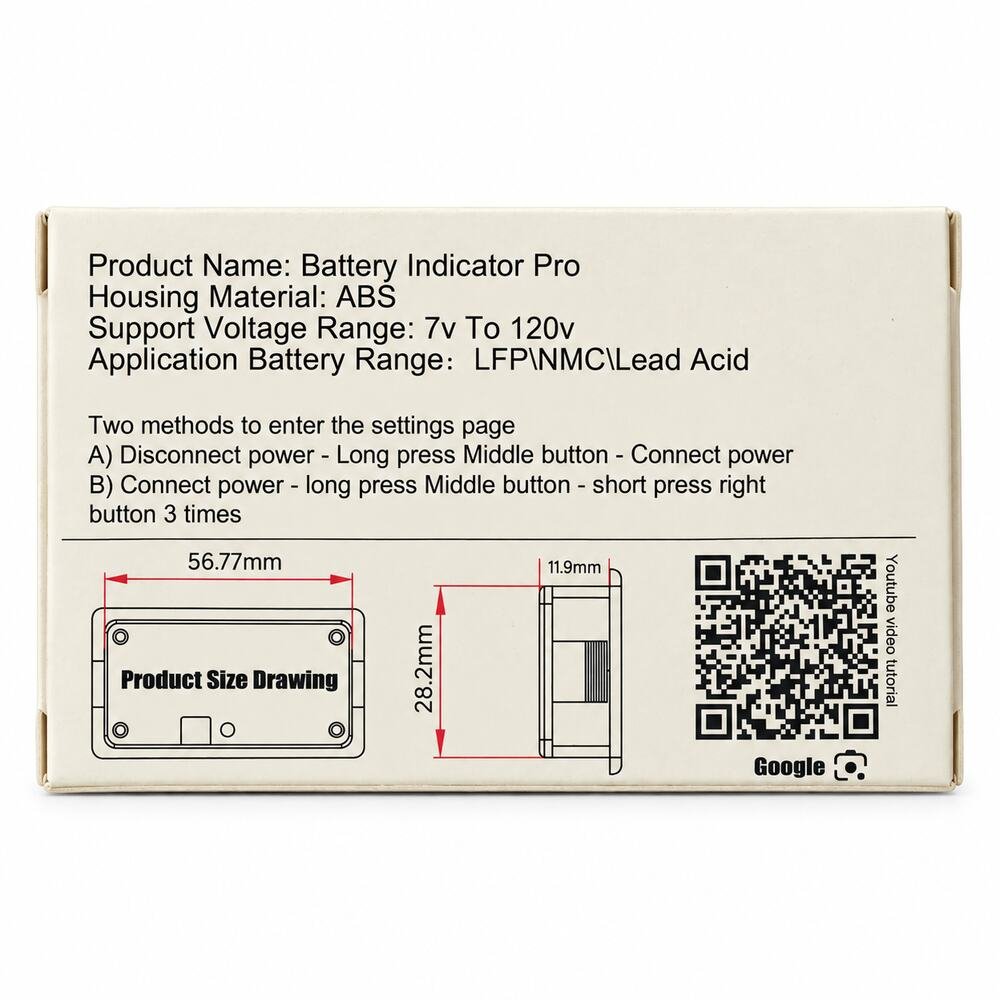
Approximately 56.77mm |
| Height |
Approximately 28.2mm |
| Depth |
Approximately 11.9mm |
| Wiring |
Attached connection wires and connector |
| Mounting style |
Panel-mounted or equipment-integrated |
| Battery protection |
Not provided |
| Current measurement accuracy |
Not specified |
3. Display and Control Functions
The front control panel provides the following functions, as described on the packaging:
| Function |
Description |
| S-1 |
Rotate between voltage and battery-capacity display |
| S-2 |
10-second sleep function |
| S-3 |
Screen power on/off function |
| S-4 |
Charging and discharging SOC calculation mode |
| S-5 |
Lock the display to voltage-only mode |
The exact button-press sequence may depend on the selected operating mode.
4. Entering the Settings Menu
The packaging lists two methods for opening the settings page:
Method A
- Disconnect power from the indicator.
- Press and hold the middle button.
- Reconnect power while continuing to hold the button.
Method B
- Connect power to the indicator.
- Press and hold the middle button.
- Short-press the right button three times.
After entering the settings menu, select the correct battery chemistry and series configuration before normal use.
5. Compatible Battery Systems
The indicator can be configured for various battery systems within its supported voltage range, including:
LiFePO₄ batteries
- 3S to 30S configurations
- Approximately 9.6V to 96V nominal, depending on series count
- Common examples include 12.8V, 25.6V, 48V and 51.2V LiFePO₄ packs
NMC lithium-ion batteries
- 2S to 28S configurations
- Approximately 7.2V to 103.6V nominal, depending on series count
- Suitable for compatible lithium-ion battery packs used in portable equipment and electric vehicles
Lead-acid batteries
- 1S to 8S configurations
- Suitable for compatible 12V, 24V, 36V, 48V, 60V, 72V and 96V-class lead-acid systems, subject to the 120V maximum input limit
Always confirm that the battery’s actual maximum charged voltage remains below 120V.
6. Suitable Applications
The Battery Indicator Pro may be suitable for use with compatible battery systems installed in:
- Electric scooters and e-bikes
- E-rickshaws and mobility equipment
- Solar-energy storage systems
- Inverter and UPS batteries
- Portable power systems
- Marine and recreational equipment
- Battery-powered tools and instruments
- Robotics and automated equipment
- Custom lithium battery packs
- Lead-acid battery banks
- Battery testing and repair projects
- DIY electronics
7. Installation Guidance
- Confirm the battery chemistry before installation.
- Confirm the number of cells or battery units connected in series.
- Check the battery pack’s minimum and maximum operating voltage.
- Ensure the fully charged battery voltage does not exceed 120V.
- Verify the wire functions and polarity before connection.
- Do not identify wires only by colour without confirming the supplied wiring instructions.
- Connect the indicator only after checking polarity with a multimeter.
- Configure the correct battery chemistry and series count in the settings menu.
- Test the display before completing permanent installation.
- Install the unit where the LCD remains visible and accessible.
- Prevent the rear terminals and wiring from touching conductive surfaces.
- Secure and insulate all electrical connections.
Incorrect polarity or application of excessive voltage may permanently damage the indicator.
8. Important Capacity-Display Note
The displayed battery percentage is an estimate calculated using battery voltage and the selected battery profile.
Accuracy may be affected by:
- Incorrect battery-chemistry selection
- Incorrect series-count setting
- Battery load and voltage sag
- Charging voltage
- Battery age and condition
- Cell imbalance
- Temperature
- Battery-specific discharge characteristics
This indicator does not appear to use a dedicated external current shunt. It should therefore not be advertised as a precision coulomb-counting battery monitor unless that feature is separately confirmed.
For critical applications, use it as a convenient visual indicator alongside a properly configured BMS and a calibrated battery-monitoring system.
9. Safety Information
- Use only within the specified 7V–120V range.
- Never exceed the 120V maximum input voltage.
- Confirm polarity before connecting the indicator.
- Do not short the wires or connector terminals.
- Do not connect the product directly to an incompatible AC power source.
- Keep the display and wiring away from water and conductive dust.
- Insulate every exposed electrical connection.
- Do not use damaged, cut or overheated wires.
- Do not rely on this display as the battery’s primary protection device.
- Use a suitable BMS and fuse with lithium battery packs.
- Installation should be performed by someone familiar with battery wiring and electrical safety.
10. Package Contents
- 1 × Battery Indicator Pro LCD display
- Attached wiring harness
- Connector, as shown in the product image
Package contents should be confirmed before dispatch, as accessories may vary between batches.